
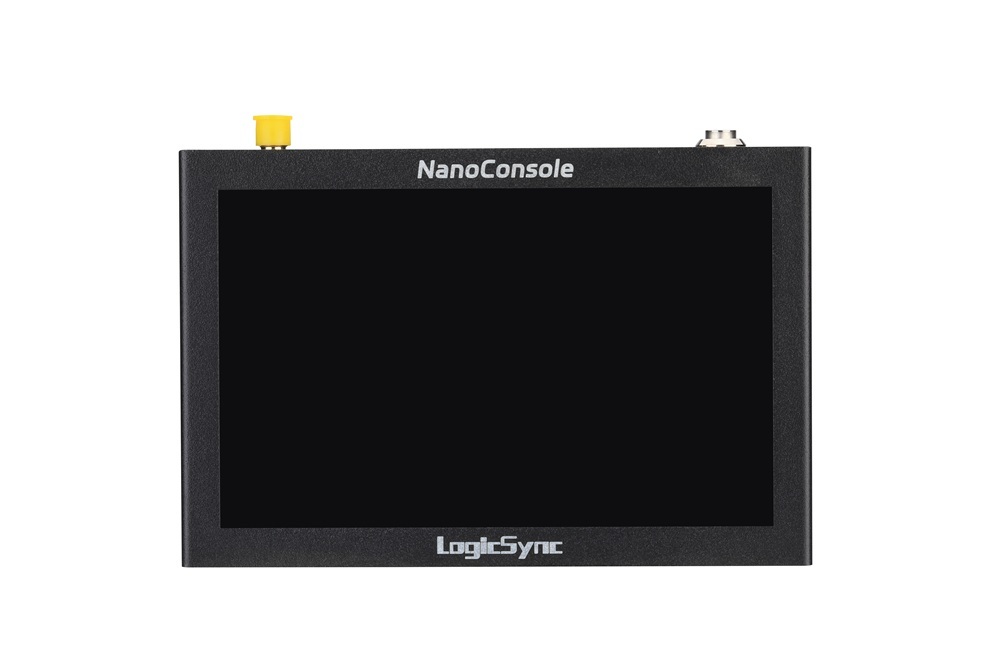
NanoConsole: Pocket-Sized DMX512 Control and RDM Management for Lighting Professionals
Built for lighting professionals who need dependable tools without carrying a full-size console, NanoConsole puts DMX512 control, signal diagnostics and RDM fixture management into a compact 127 × 84 × 18 mm device.
A pocket console designed for the real world
On a stage, in a workshop or during installation and commissioning, lighting technicians often need to do more than simply send a DMX level. They need to confirm what is on the line, identify unstable signals, configure intelligent fixtures and make quick control checks. NanoConsole combines these everyday tasks behind a clear 5-inch capacitive touchscreen.
DMX512 control
Adjust individual channels, work with fixture profiles and create practical looks without setting up a large lighting desk.
Signal analysis
Inspect incoming DMX data together with break duration, frame frequency and received data length to help locate cabling, termination and source problems.
RDM management
Discover connected RDM devices, identify fixtures and review supported configuration parameters directly from the touchscreen.
From quick tests to scene playback
NanoConsole supports traditional DMX512 console workflows through Control, Programming and Playback modes. Lighting technicians can manually adjust channels, save up to 16 scenes and configure HOLD and FADE timing for automatic playback. The fixture interface also provides HSI, CCT, Channel and On/Off control modes for faster work with different fixture types.
See what the DMX line is actually doing
The dedicated DMX View screen works in both Output and Input modes. Output mode shows transmitted channel data and output parameters. Input mode displays received channel values and signal measurements. A changing data-length value can quickly point a technician toward an unstable source, incorrect pinout, damaged cable or termination issue.
RDM fixture management without extra equipment
Opening the RDM screen starts automatic discovery of connected RDM devices. From there, users can review fixture information and the configuration controls supported by each device. This makes NanoConsole useful for addressing, identification, commissioning and maintenance tasks where carrying a complete console and separate RDM tool would be unnecessary.

Compact hardware, straightforward updates
- Display: 5-inch capacitive touchscreen
- DMX interface: RJ45 DMX512 input/output with optional 3-pin or 5-pin XLR adapter
- Power and data: USB Type-C
- Internal storage: 128 MB for fixture-library files, programming data and firmware packages
- Dimensions: 127 × 84 × 18 mm
A focused tool for lighting professionals
NanoConsole is designed for lighting designers, programmers, technicians, rental teams, installers and fixture manufacturers who want a small, purpose-built controller in their toolkit. It can serve as a portable console, a DMX512 data viewer and an RDM management terminal—ready for setup, troubleshooting and service work wherever the job takes you.